
 Add to Chrome
 Add to Edge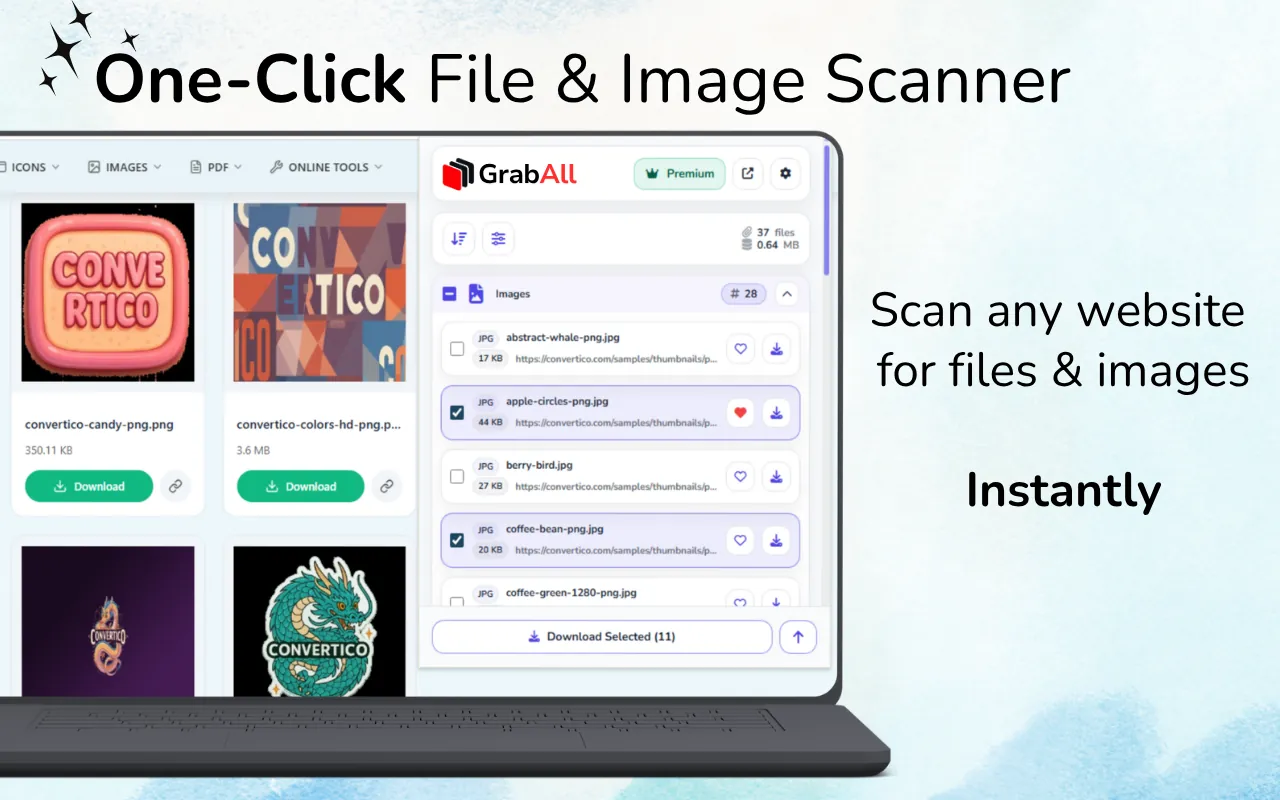
Quick answer: Open only the pages relevant to one task, run the open-tab scan, wait for each page to finish, then deduplicate and filter the combined results. A focused tab set is faster to review and less likely to mix unrelated files.
When open-tab scanning is the right choice
Open-tab scanning works well when you have already selected a manageable group of pages in the browser. Examples include several product pages from one supplier, a set of reports, a short gallery collection, or documentation pages for one project.
It is less suitable for hundreds of unreviewed URLs. For a prepared large list, imported URL scanning provides a clearer workflow.
- Several pages from one research session
- A small collection of reports or product pages
- Open resources that require the current browser session
- Pages that need a final visual check before scanning
Prepare the tabs before scanning
Close unrelated social, email, dashboard, and search tabs. Group the target pages in one browser window, confirm that each page loaded correctly, and remove duplicates before starting.
This preparation prevents unrelated icons, attachments, and media from entering the combined result set.
- Use one browser window for the task
- Close unrelated and duplicate tabs
- Allow relevant page content to load
- Confirm that you have permission to collect the files
Review a combined result set
After the scan, filter by the file categories needed for the project. Sort by source, filename, file size, or image dimensions where useful. Duplicate URLs can occur when several pages share navigation assets or the same product image.
Do not download immediately after the scan. A short review usually removes a large amount of repeated interface content.
Control bandwidth and storage
A multi-tab scan can surface many large files. Estimate the batch size, select only relevant items, and split very large downloads into smaller groups.
Smaller batches are easier to retry and organize. They also reduce the chance of browser download limits or server rate controls interrupting the task.
Keep sources traceable
When files from several pages are combined, source context can be lost. Preserve URLs or export a file list before renaming assets. Use a project folder structure that records the site, subject, or collection date.
Traceability is especially important for licensed images, reports, and materials requiring attribution.
Frequently asked questions
How many tabs should I scan at once?
Use the smallest group that represents one task. Smaller focused sets are easier to review, faster to process, and less likely to contain duplicates.
Why do open-tab scans contain duplicate files?
Pages on the same website often reuse logos, navigation assets, thumbnails, and shared documents.
Can GrabAll scan authenticated tabs?
It works in the current browser context where permitted, but it does not bypass account restrictions or grant rights to download private material.
When should I use imported URLs instead?
Use imported URLs for a prepared list that is too large or structured to manage comfortably as open tabs.
Use GrabAll for files you are allowed to access and download. The extension helps discover and organize exposed webpage assets; it does not bypass authentication, paywalls, DRM, private content, copyright, or website rules.