



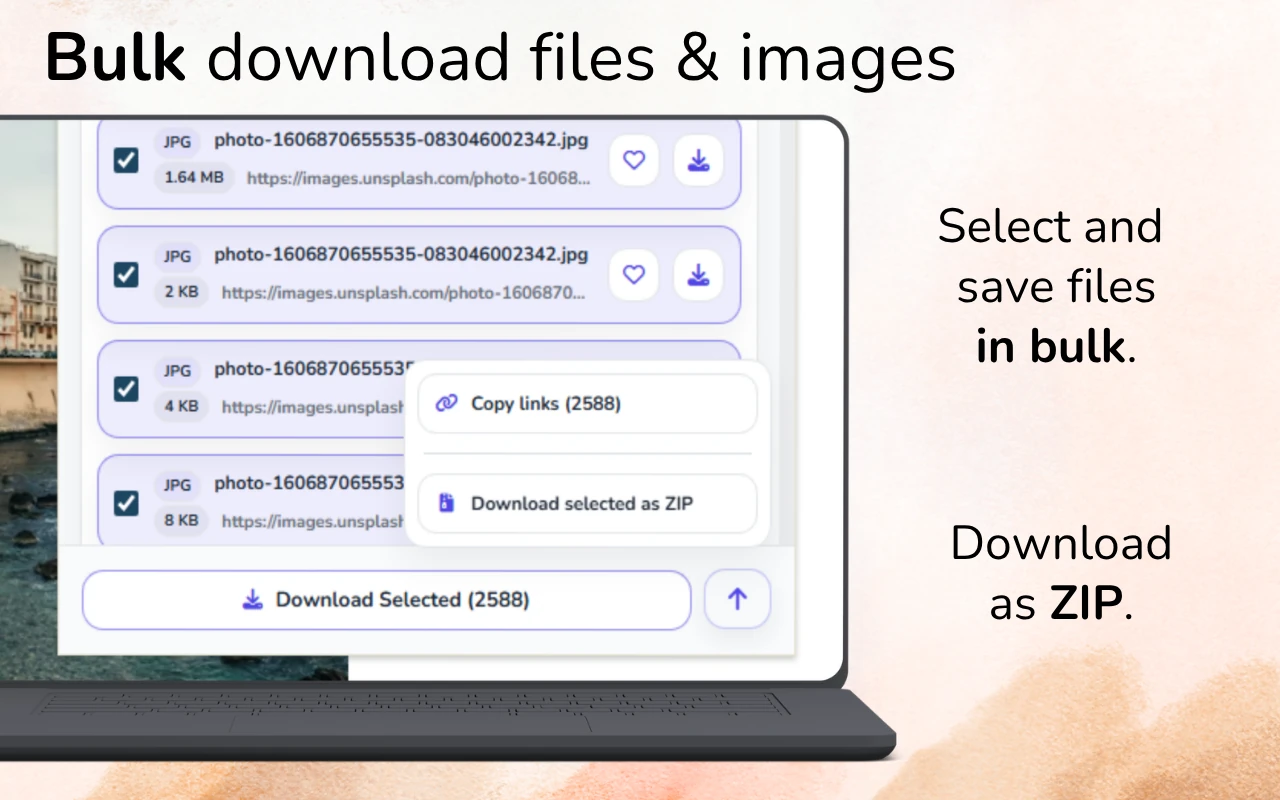
Quick answer: Open the Pinterest page and load the pins you need, then scan with GrabAll and filter to images. Preview the results and download your selection. Open an individual pin when you need to check whether a larger image is available.
Load the Pinterest images you want to collect
Pinterest loads more content as you browse, so the first scan may not include every image on a long board. Work in manageable sections and review dimensions to avoid saving only small thumbnails. Keep the pin or source link with your references.
Define the research question first
A broad board can contain hundreds of unrelated references and recommendation tiles. Decide whether you are researching color, composition, packaging, typography, interiors, fashion, or another specific subject before collecting anything.
A clear question reduces the number of pins you need and makes the resulting moodboard more coherent.
- Choose one visual topic
- Use a focused board or search
- Decide the minimum useful image quality
- Create a destination folder before scanning
Load a controlled part of the page
Pinterest loads content dynamically as you scroll. Load enough pins for the research task, but avoid endless scrolling because recommendation content expands the result set quickly.
After the relevant pins appear, scan the page and filter image results by dimensions and file size.
- Open the focused board or result page
- Scroll only through the relevant range
- Allow visible images to finish loading
- Scan and filter the exposed image set
Remove thumbnails and repeated variants
The page may expose several sizes of the same pin, profile images, interface icons, and recommendation graphics. Use dimensions, file size, URL patterns, and previews to keep a useful version.
Frequently asked questions
Why does Pinterest show many duplicates?
Dynamic pages expose thumbnails, responsive variants, recommendations, profile images, and repeated pin assets. Filter by dimensions and preview the results.
Can GrabAll download images from private boards?
GrabAll does not bypass privacy or account restrictions. Use it only with content you are authorized to access and collect.
How many pins should I load before scanning?
Load only the focused range needed for the research question. Smaller sets are easier to review and preserve accurately.
GrabAll scans the page and brings images, documents, media, and other downloadable files into one clear list, so you can choose exactly what to save.