
 Add to Chrome
 Add to Edge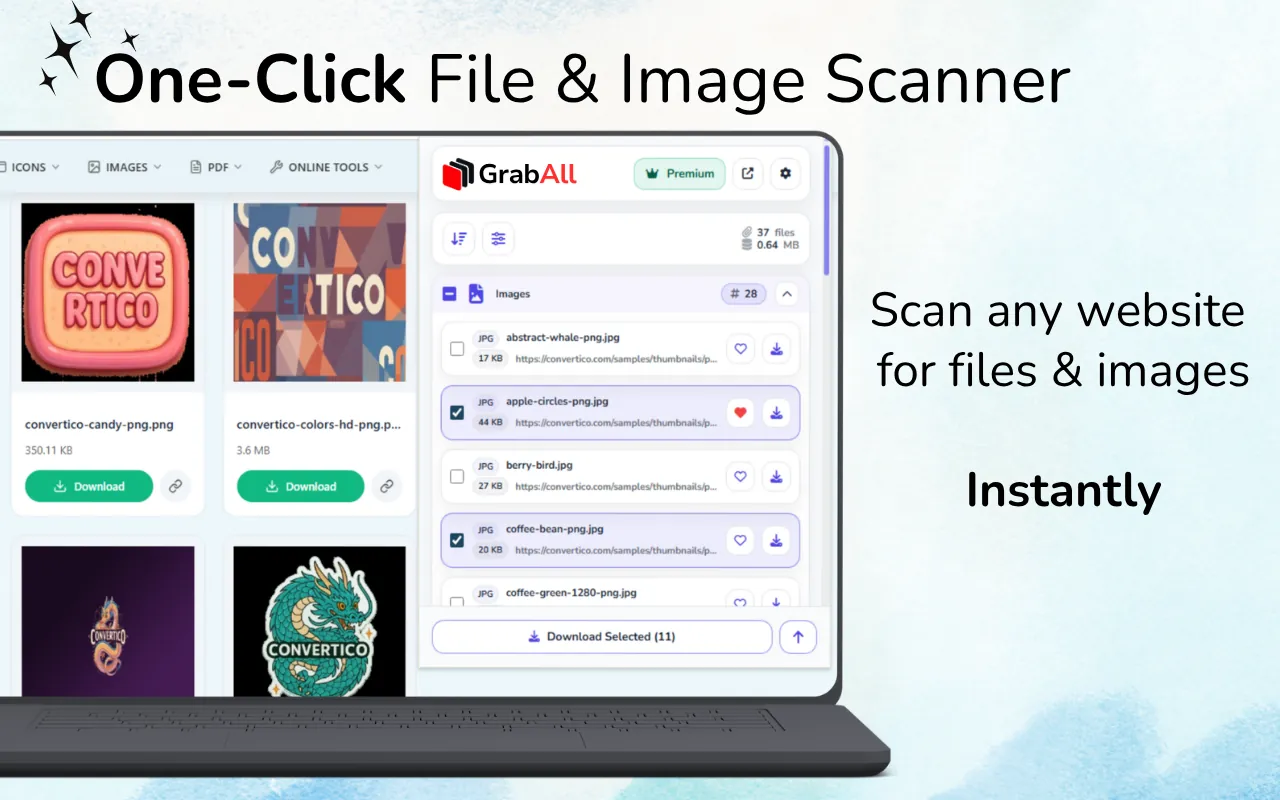
Quick answer: Paste the HTML into GrabAll's free Bulk File URL Extractor, supply the source page as a base URL when relative paths are present, extract the candidates, then filter and validate the result list. Use the live extension instead when content is added after the initial HTML loads.
Where file URLs appear in HTML
Ordinary links use href, while images and media commonly use src. Responsive images can list several candidates in srcset. Lazy-loading libraries often store real URLs in data-src, data-original, or custom data attributes.
Stylesheets and inline CSS may reference backgrounds through url(). Raw text can also contain complete URLs that are not attached to an HTML element.
- href links
- src and poster attributes
- srcset and data-srcset candidates
- CSS url() values and raw absolute URLs
Resolve relative paths correctly
A value such as ../files/report.pdf is meaningful only relative to the page where the HTML came from. Supply the original page URL as the base so the extractor can turn relative paths into complete addresses.
Protocol-relative links beginning with // normally inherit HTTPS on a secure page. Root-relative paths beginning with / use the current website origin.
- Keep the original source page URL
- Use it as the base URL
- Normalize protocol-relative and root-relative paths
- Review the resolved domains before using the list
Filter candidate URLs by intent
Not every URL in source code is a downloadable asset. Pages contain navigation links, APIs, analytics, fonts, scripts, stylesheets, and tracking parameters. Filter by relevant extensions and inspect ambiguous URLs.
For images, include modern formats such as WebP and AVIF. For documents, consider PDF, DOCX, XLSX, CSV, PPTX, and archives according to the task.
HTML source versus the rendered page
Copied source represents only what you supplied. It may miss resources inserted after JavaScript runs, content loaded after scrolling, or URLs created during interaction.
Use the offline extractor for source snippets, exported HTML, email templates, and code review. Use the GrabAll extension for the live rendered page and browser-context workflows.
Validate before downloading
Deduplicate the list, inspect domains, and test a small sample. A matching extension in a URL does not guarantee that the response is valid or that you are authorized to use it.
Avoid automatically requesting large unreviewed lists. Validation prevents broken links, unwanted tracking endpoints, and unnecessary load.
Frequently asked questions
Can the extractor resolve ../ relative links?
Yes, when you provide the original page URL as the base address.
Does HTML extraction include srcset images?
The GrabAll tool checks common source and responsive-image attributes, including srcset candidates.
Why are some live-page files missing from copied HTML?
JavaScript may add them after the initial HTML loads. Use the live browser extension for rendered and dynamically loaded page content.
Are all extracted URLs safe to download?
No. Review domains, file types, permissions, and a small sample before using a result list.
Use GrabAll for files you are allowed to access and download. The extension helps discover and organize exposed webpage assets; it does not bypass authentication, paywalls, DRM, private content, copyright, or website rules.